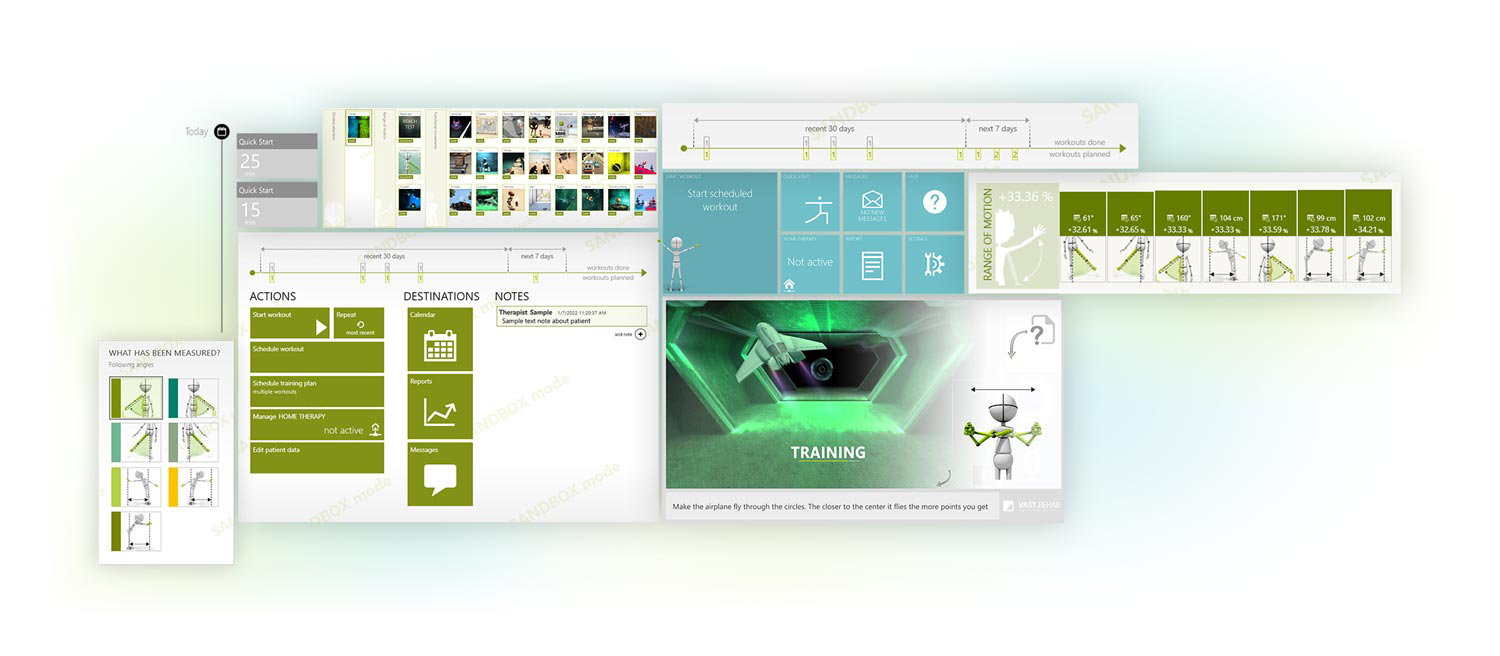
Beautifully designed apps
Aesthetic design influences how people think and feel. It influences how much pleasure we feel from the product. Aesthetic design affects our long-term attitude about products, companies and even people. Aesthetic design matters not only to make the first impression, but also to keep strengthening the bond with the user.
Unbelievably flexible
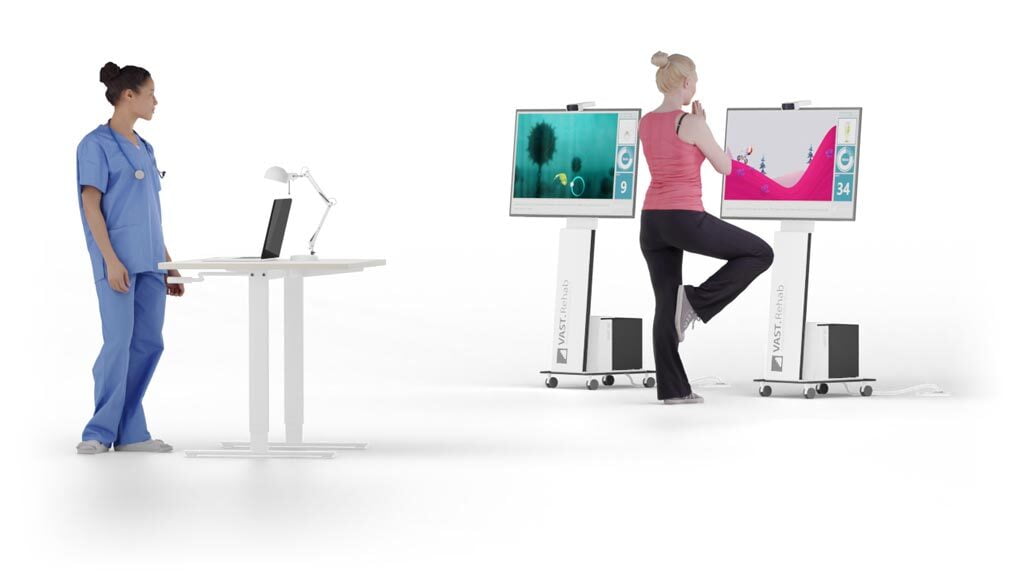
You can start using the VAST.Rehab system today with the typical hardware you already own. The system is prepared to grow with your facility and to keep transforming according to your present needs.
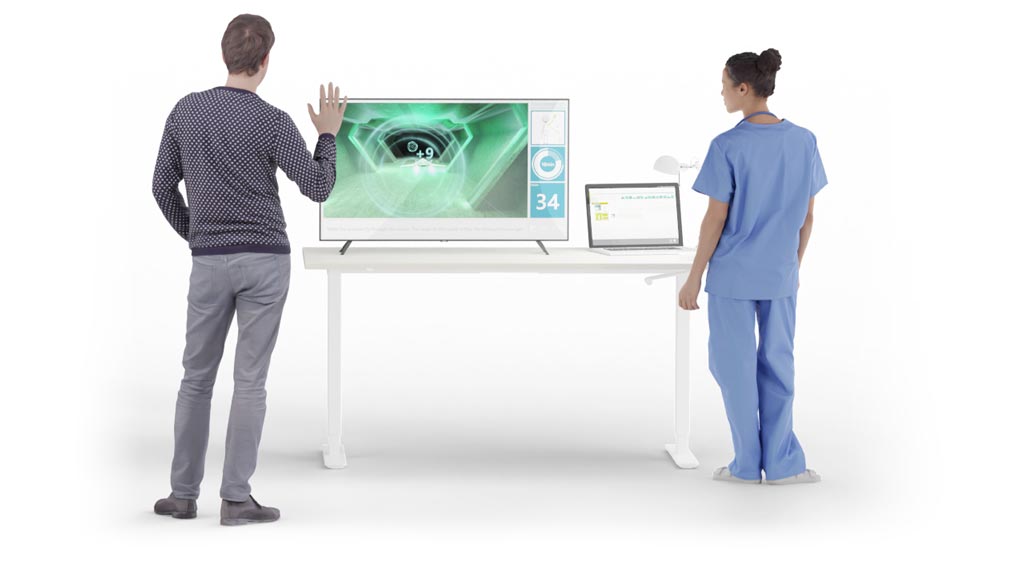
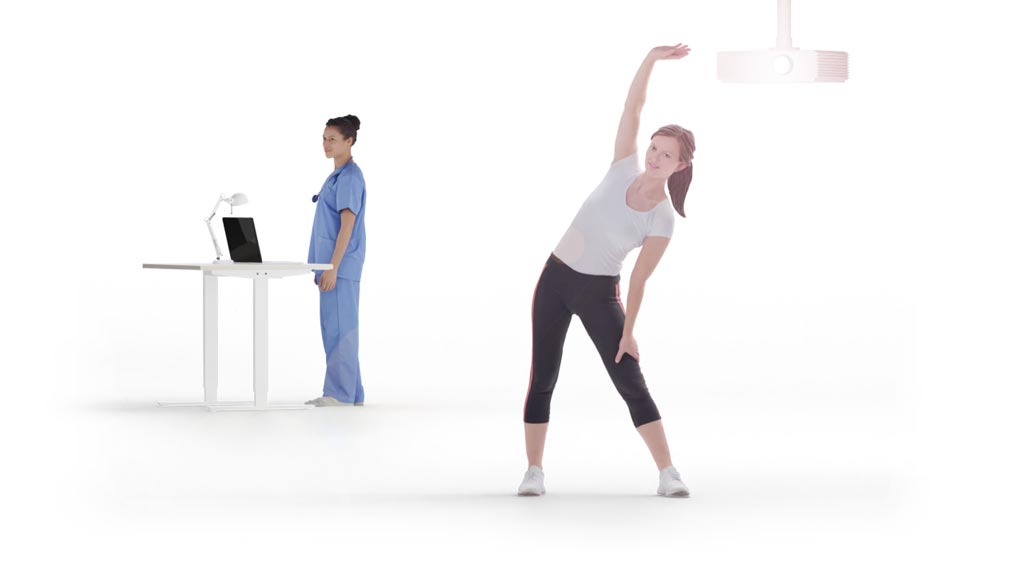
- Laptop for therapist + external screen for patient
- Laptop for therapist + several desktops for patients
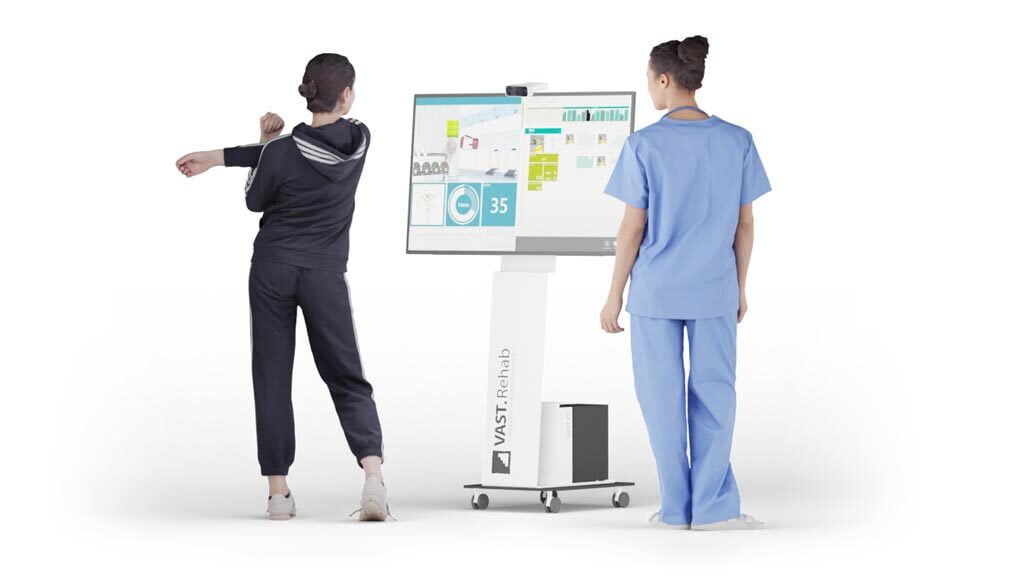
- One screen shared between therapist and patient
- Projector
- Patient Station only
- Store data in the cloud
- Store data in your local database
You can begin your journey with a single computer sharing screen between the therapist and the patient. Then you can connect an additional screen (e.g. TV for the patient), so the patient is not distracted by all the information that is useful only for the therapist. Then you can organize a separate computer for the therapist and let him or her control several computers running therapy sessions for several patients simultaneously. Going even further you can start therapy sessions on a dedicated virtual reality headset. All of that is possible by running the same set of VAST.Rehab applications you need to learn only once!
A huge exercise library
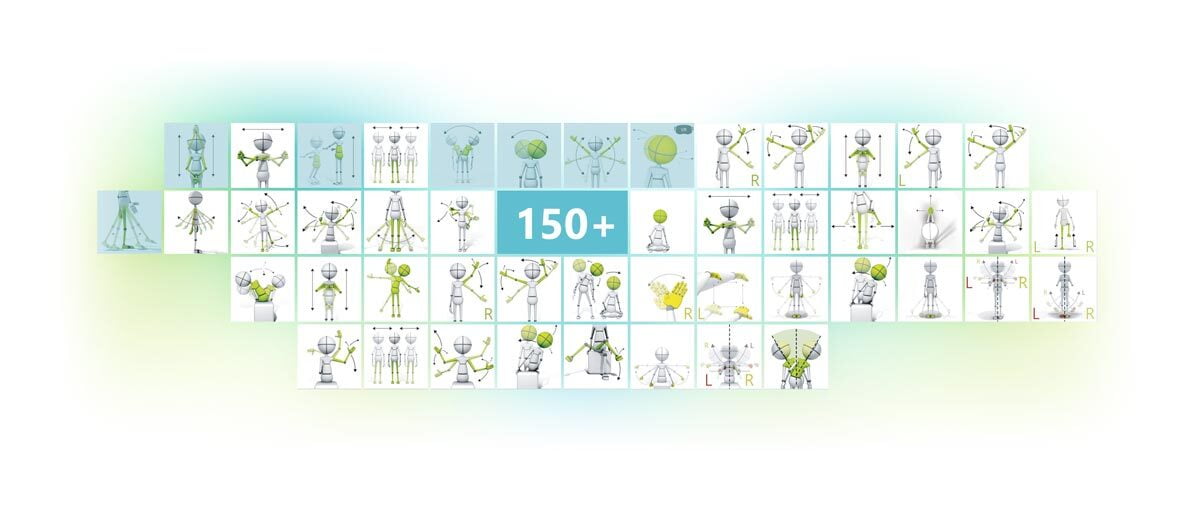
'Control mode' defines the movement pattern which patient needs to perform in order to control the task successfully. Each 'Therapeutic task' exposes several control modes to be set. It means the same 'Therapeutic tasks' can be started with completely different movement patterns required (e.g. you can start control a ball in game using your left hand movements, then switch it to right hand, then to your neck movements or squats).
The 'Control mode' in combination with the 'Parameters' provides almost endless possibilities to keep the 'Therapeutic task' tailored exactly for patient's needs.
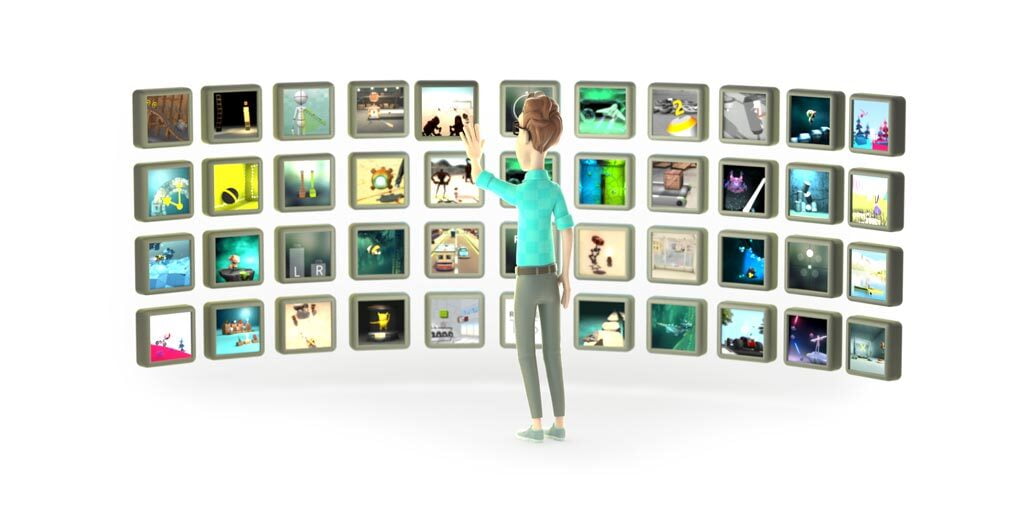
A huge database of therapy-focused games and assessments
Our platform includes more than 60 therapy-focused games/assessments and more than 100 exercises (movement patterns) for diverse physical, occupational, and cognitive therapy goals. VAST.Rehab uses a wide variety of therapeutic tasks to enable training in all rehabilitation domains:
Musculo-skeletal
- Range of motion
- Strength
- Endurance
- Fitness and cardiovascular training
Balance and equilibrium
- Trunk and postural control
- Anticipatory postural responses
- Adequate reactions to stimuli and distractors placed in preplanned positions or random
- Crossing the midline
Neurological
- Movement quality
- Movement awareness and proprioception
- Bilateral movements
Cognition
- Memory
- Perception
- Planning and Executive Functions
BENEFITS FOR WIDE RANGE OF USERS
Solve your business problems. Our software is used by a variety of businesses including hospitals, clinics, gyms, sole practitioners, personal trainers worldwide
Use therapist's time efficiently
One therapist can work with several patients simultaneously
Routine activities automated
Let the technology find time for your routine activities, by creating medical documentation automatically
Home therapy
Make money by offering Home therapy
Regular contact with patients
Use low activity alerts as a trigger to contact your patients and invite them for consultation

Therapy customization is quick, easy and powerful
VAST.Rehab creates a kind of feedback loop between the patient performing rehabilitation exercises and his or her physical therapist. The therapist can monitor the patient’s performance in real-time and adjust the parameters of the gamified exercises to match the patient’s individual recovery needs. By using the Therapist Panel, the therapist can control all the computers running Patient Panel connected to the same network (wired or wireless).
Several examples of what the therapist can control:
- Adjust the required speed of movement
- Adjust the required range of movement
- Adjust the number of elements to remember
- Adjust the time available to achieve a goal
- Adjust the obstacles' size
- Adjust the shape of routes the patient needs to follow
- ... and many more
Productivity boosters
VAST.Rehab has been designed to make therapist's job easier and more organized. We have automated the technical parts, saving time and effort for the therapist, and created an immersive experience for the patient, to engage and motivate them towards positive change.
- Custom Templates (single sessions and long-term plans)
- Patient receives detailed on-screen instructions
- Repeat most recent workout with two clicks
- Integrated chat
- Share your Custom Templates with your team
- Patients' account suspension to keep your list organized
- Adapt user interface for comfort of your eyes
- Login patients automatically (by face recognition)
- Multiplayer tasks

Easily assess, measure and track progress
VAST.Rehab is monitoring the patient’s progress meaning that you will always know where they stand and whether they have done better than yesterday. And because humans are competitive creatures, this can be a high motivation to push them a bit further every day and recover faster.
Long-term progress
Patients receive detailed, objective, and irrefutable feedback on their improved performance in the long-term analyzing several months of therapy.
Each workout details
Biofeedback, delivered by the system, enables detailed insight into the course of each training from the first to the last second.
Supportive metrics
Along with the normal statistics like the range of motion, movement times, memory performance metrics, etc., the system automatically collects data from heart-rate sensors, pulse oximeters, and balance platforms.
Compliant
VAST.Rehab takes compliance with the law very seriously and works hard to ensure that our products and services are fully compliant with all relevant laws and regulations. We understand the importance of adhering to legal requirements in order to protect our users and maintain the integrity of our business.
GDPR complient
GDPR compliance requires companies to clearly define their data privacy policies and make them easily accessible.
Sandbox mode for therapists
Any kind of service access to the clients' computers can be done in sandbox mode without access to real patients' data.
Data export
Data export is useful when you need to process the VAST.Rehab data in external software.
Encrypted data
Whenever your data is sent to our servers, it’s encrypted using HTTPS. All personal data is also encrypted at the database level.

Join Our Newsletter
Stay informed and never miss out on the latest news, blog posts, and product releases by subscribing to our newsletter. Join our community and be the first to know about new features, updates, and exclusive offers.